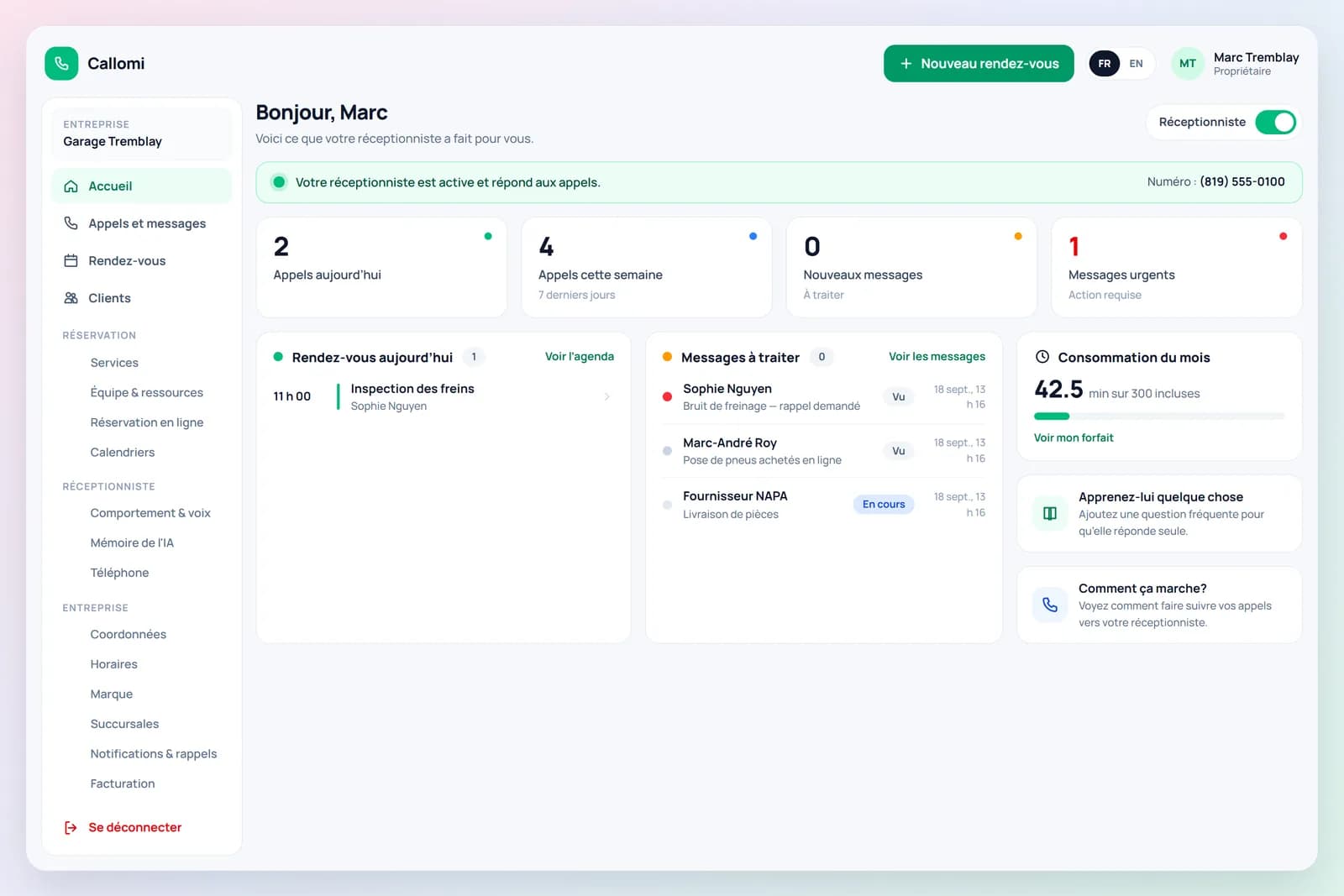
Ready in minutes, with no change for your customers
You sign up, your number is reserved, you fill in a few settings and forward your calls. Need a hand? We set it up with you.
- 1
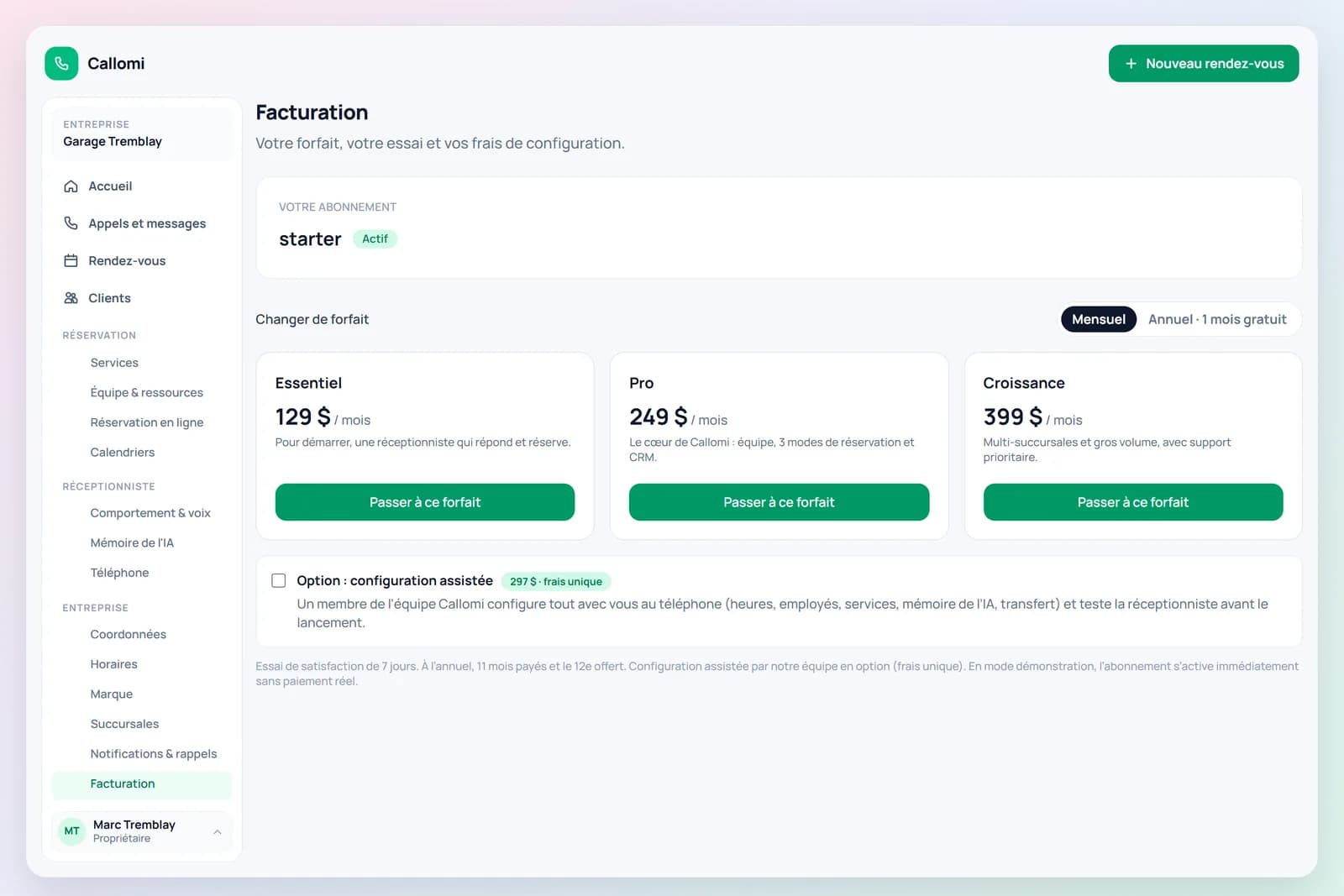
Create your account, confirm your email, pick a plan
Business name, your name, email, password. Confirm your email with our link, choose a plan (7-day trial, nothing charged before it ends) and your area code — your local Callomi number is assigned automatically.
- 2
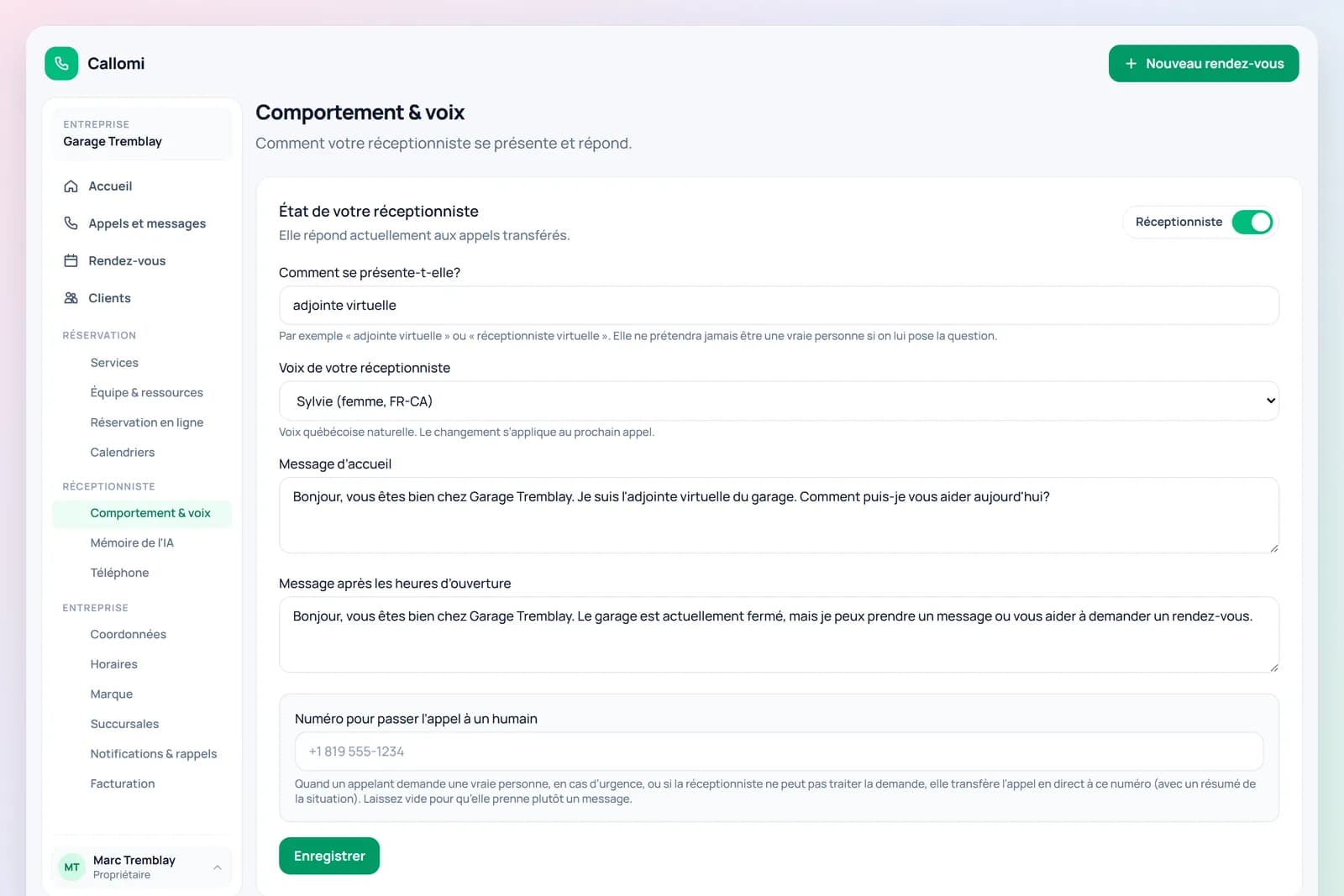
Set up in five minutes
Opening hours, your services (pre-filled for your trade) and their duration, your team, what to say and what not to. Connect Google Calendar or Outlook, or use the built-in calendar. Your online booking link is live right away.
- 3
A customer calls your usual number
Nothing changes for customers. You enable call forwarding once—there is no new number to reprint.
- 4
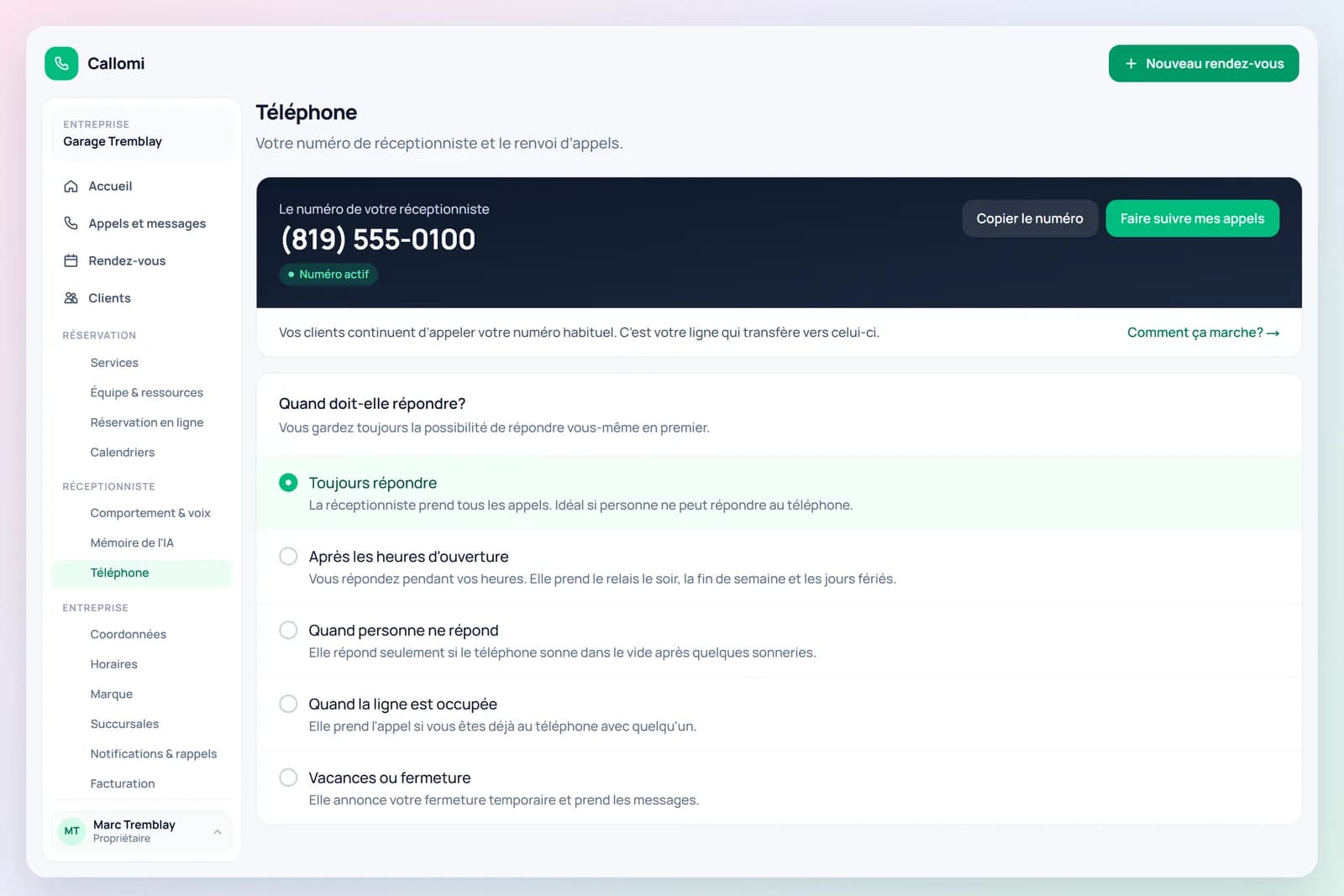
Your line forwards the call to Callomi
Choose when: always, evenings and weekends, or only when nobody answers.
- 5
Callomi answers with a natural voice
It greets callers in your business name, understands their request and speaks naturally in English or French.
- 6
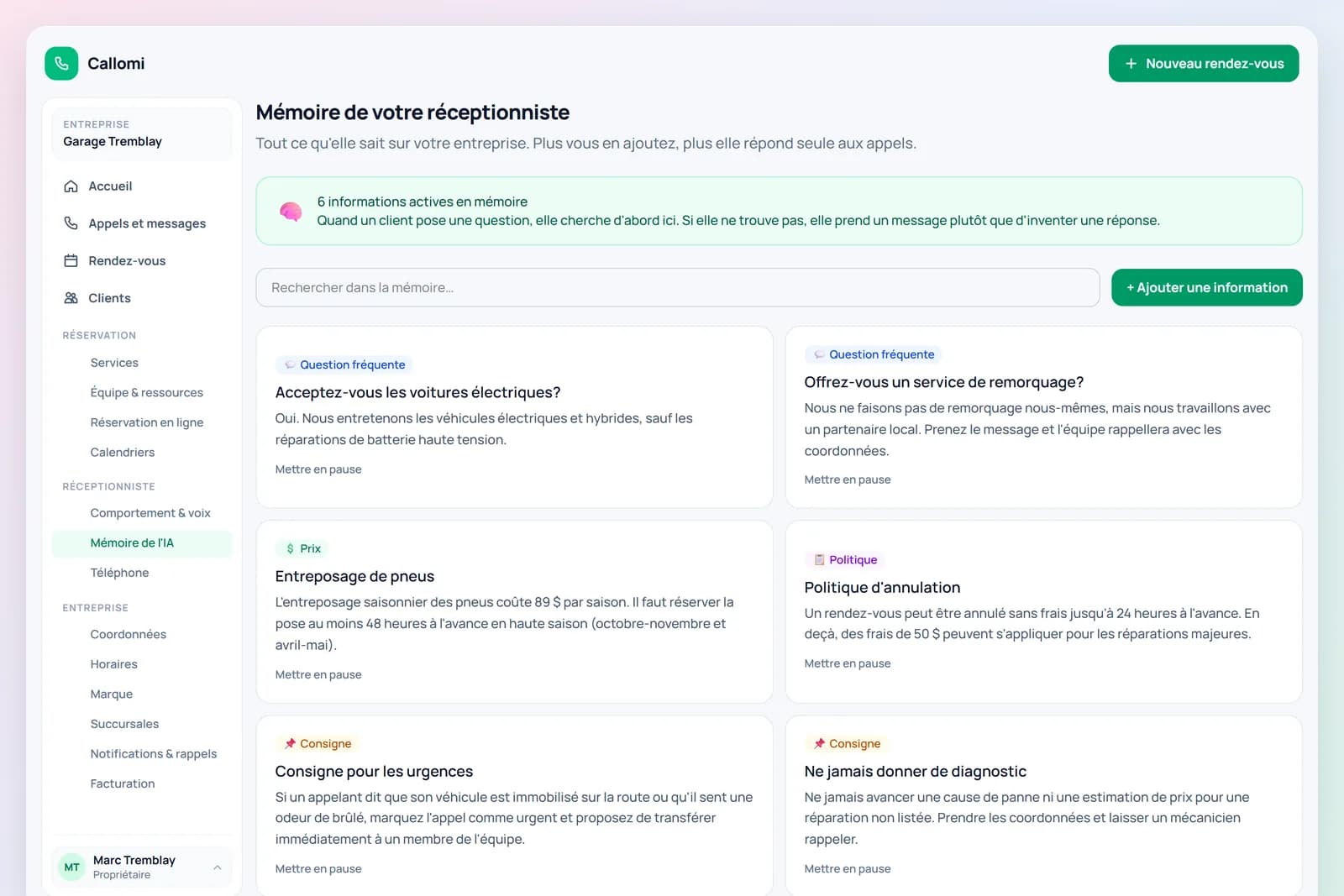
It acts on what it knows about you
It answers questions, checks availability, books appointments or takes detailed messages.
- 7
Everything appears in your portal
Call summaries, messages and appointments appear in your account with the callback number.